Quick summary for busy business owners.
- PHP2Shell refers to two critical PHP runtime vulnerabilities that may allow unauthenticated remote code execution under affected conditions.
- The fixed releases are PHP 8.2.35, 8.3.36, 8.4.27 and 8.5.12, or a later properly patched version in the same supported branch.
- Updating WordPress or its plugins does not update the PHP engine running underneath the website.
- Patching closes the known vulnerability, but a previously exposed server should still be checked for backdoors and other evidence of compromise.
- The biggest business risk is often unclear responsibility: everyone assumes somebody else is maintaining the website.
At 9-something one morning, my WhatsApp rang.
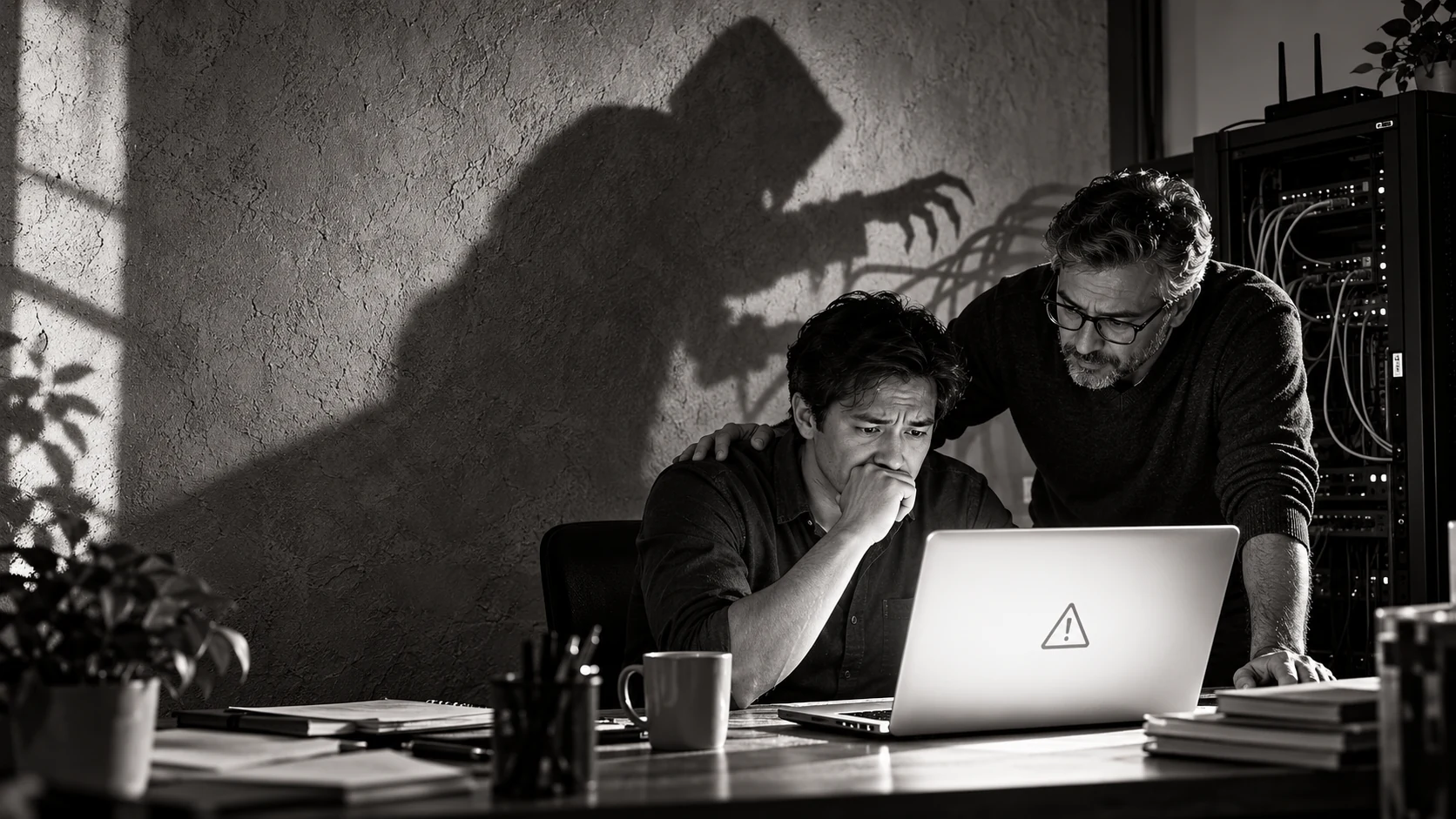
A business owner sent me a screenshot of his website. Instead of his homepage, there was a white screen with several lines of PHP errors. The kind of screen that makes a non-technical person stare at it as if the website has started speaking ancient Egyptian.
His first question was understandable: “Is my website hacked?”
His second question was even more common: “Doesn’t the hosting company handle all this automatically?”
Sometimes they do. Sometimes they maintain only the server infrastructure. Sometimes they provide the update button and leave the pressing of that button to you. Sometimes everybody assumes somebody else is responsible—which is how a website can grow old peacefully until one morning it decides to faint in public.
I have been working with PHP since 1996. Over the years, I have repaired hacked websites, removed malware, upgraded old systems and revived websites that had become nothing more than a beautiful white page.
But the two critical PHP vulnerabilities announced in October 2026 are different from an ordinary broken plugin or badly written website function. They affect PHP itself—the engine running underneath WordPress, Drupal, Laravel and countless custom business systems.
And yes, business owners should pay attention.
What happened to PHP in October 2026?
On 21 October 2026, the PHP project released emergency security updates addressing CVE-2026-109618 and CVE-2026-109619. Both received a critical CVSS severity score of 9.2. Under the right conditions, an attacker may exploit them without logging in and execute commands on the affected server.
This is known as unauthenticated remote code execution, or RCE.
In simple English: an outsider may be able to make your server run instructions that you never authorised. No password, no friendly introduction, no kopi first.
The official PHP security announcement says the risk applies to PHP installations serving web requests, including PHP-FPM, Apache mod_php, PHP-CGI, FrankenPHP and LiteSpeed. The highest demonstrated risk was with Apache mod_php, where an attack could be triggered before the website’s own application code began running.
The UK National Cyber Security Centre also advised organisations to identify every PHP installation, prioritise internet-facing systems, update them and examine potentially exposed servers for signs of compromise. Its PHP security advisory warns that merely installing an update may not be enough if the server was already exposed.
What do these vulnerabilities actually do?
The technical explanations involve out-of-memory handling, partially initialised data and internal state remaining after memory has been freed.
If you are a business owner, your eyes may already be preparing to close. So let us use something simpler.
Imagine a hotel room. One guest checks out, but the hotel forgets to clear everything properly. The keycard remains active, the previous guest’s documents are still inside and the next guest enters before the room has been reset.
That should not happen.
CVE-2026-109619 involves a similar problem inside PHP: information belonging to one request can remain accessible after its memory should have been released. A later request handled by the same worker may then interact with that stale state.
CVE-2026-109618 concerns what happens when PHP runs out of allocated memory at precisely the wrong moment. PHP may leave internal data only partly prepared and later treat that invalid data as legitimate. A carefully constructed attack may turn that corruption into code execution.
These are problems inside the PHP runtime, not ordinary WordPress-plugin bugs. The official advisories say updating is the only complete solution.
Which PHP versions contain the fixes?
| PHP branch | Patched release |
|---|---|
| PHP 8.2 | 8.2.35 or later |
| PHP 8.3 | 8.3.36 or later |
| PHP 8.4 | 8.4.27 or later |
| PHP 8.5 | 8.5.12 or later |
PHP 8.1 and earlier no longer receive normal security releases from the PHP project. Some Linux distributions and long-term-support vendors may provide backported fixes, but this must be confirmed with the vendor.
Do not assume that seeing “PHP 8” means everything is fine. PHP 8.0, 8.1, 8.2, 8.3, 8.4 and 8.5 are not one big happy version. The exact patch level matters.
And do not downgrade to some random version because an online forum uncle said it worked for him. He may also recommend repairing your electrical wiring with masking tape.
Does this mean PHP is finished?
One recent argument says PHP is heading towards a “bloodbath.” The reasoning is not completely unreasonable.
PHP became enormously popular because it allowed people to build websites quickly and inexpensively. It powered early discussion boards, content-management systems, online shops and later WordPress websites on a massive scale.
Its accessibility was its superpower. It was also its problem.
Over several decades, a mountain of PHP code was written by professional developers, junior programmers, designers learning to code, enthusiastic website owners and people whose entire development methodology appeared to be “copy this snippet and see what happens.” Some of that software is still running.
I know because developers like me eventually receive the phone call. The website may have been built 12 years ago. The original programmer has vanished. Nobody knows where the source code is. The client has only a hosting login, three old email conversations and great confidence that “the server people should know.”
Modern PHP, used properly, is not automatically unsafe. Well-maintained WordPress, Laravel and custom PHP applications can run securely and reliably. The bigger problem is abandoned PHP.
An unpatched website with outdated plugins, old libraries, unknown custom code and no responsible maintainer is like a shop that locks the front door but leaves the storeroom window open. The signboard still looks very professional, though. Very important.
Why PHP remains critical to the internet
PHP is not some forgotten language hiding inside one dusty server. It powers WordPress, Drupal, Moodle, WooCommerce, many government and educational websites, and countless custom systems.
Many business owners do not know their website uses PHP. They log into a friendly dashboard, upload photographs, update a product price and assume the machinery underneath is somebody else’s problem.
PHP runs on the server. It processes requests, communicates with databases, performs business logic and generates the response delivered to the visitor’s browser. The visitor normally never sees PHP. Unfortunately, the business owner often never sees it either—until it stops working.
The real danger is unclear responsibility
In my experience, the most dangerous sentence in website maintenance is: “I thought they were taking care of it.”
Who is “they”?
The hosting company may maintain its network, physical machines and control panel. That does not necessarily mean it maintains your PHP application, WordPress plugins, custom code, database, backups or business integrations.
Your website developer may have completed the project years ago but no longer has an active maintenance arrangement. Your employee may occasionally update WordPress, but nobody has confirmed whether the server’s PHP runtime is patched.
Everyone is involved. Nobody is responsible. A very efficient committee.
Every business website should have one clearly identified person or provider responsible for PHP updates, website and plugin updates, backups, security monitoring, malware investigation and compatibility testing.
AI will probably uncover more old vulnerabilities
Another important part of this story is how modern security research is changing.
The PHP Foundation has strengthened its security programme through external audits, specialist researchers and AI-assisted source-code analysis. Its account of the security release says organisations including OpenAI and Anthropic provided tools or support for security work.
This does not mean AI suddenly woke up, wore a hoodie and hacked PHP while drinking an energy drink.
It means researchers can use AI systems to inspect enormous codebases, trace unusual interactions and investigate possibilities much faster than before. That is good because vulnerabilities can be found and fixed. It is uncomfortable because decades-old software may contain weaknesses that nobody previously had the time, money or patience to discover.
The correct lesson is not “PHP is evil.” The lesson is that software maintenance is no longer optional just because the website still opens.
What should a Singapore business owner do now?
First, identify whether your website or business system uses PHP and confirm its exact server-side version. Do not rely only on a public scanner; well-configured servers often hide version details.
Next, confirm whether the installed package contains the fixes. If the server is on an unsupported branch, plan a proper upgrade instead of applying a mysterious patch found in a discussion group.
Before upgrading, take a complete backup of the website files and database. If the system is commercially important, test the update in a staging environment first. Old plugins and custom code can break when moved to a newer PHP version.
After updating, restart the relevant PHP workers or services. Most importantly, examine the server for evidence of compromise: unfamiliar administrator accounts, recently modified PHP files, unexpected scheduled tasks, strange outbound connections and suspicious uploads.
A clean homepage is not proof of a clean server. Attackers generally do not replace your homepage with a skull and dramatic soundtrack. A quiet backdoor is more useful because it can remain unnoticed.
What if the website becomes a white page after upgrading PHP?
A PHP upgrade may reveal deprecated functions, incompatible plugins, old database code or custom scripts written for a much older environment. The result can be a blank page, an HTTP 500 error or a page full of warnings.
That does not mean the security update was a mistake. It means the update exposed technical debt that had been sleeping peacefully underneath the website.
I have handled these situations many times. The correct process is to inspect the error logs, identify the incompatible component, repair or replace it, test the affected workflows and deploy the corrected version carefully.
Rolling back indefinitely may make the website visible again while reopening the security risk. That is not a solution. That is hiding the smoke alarm because the sound is irritating.
“My hosting company will handle it”—will they?
Maybe.
Some managed-hosting providers patch PHP automatically. Some operating-system vendors backport fixes without changing the version number in the way you expect. Others provide patched versions but require customers to select them.
Ask these questions directly:
- Which exact PHP package is my website using?
- Does it include fixes for CVE-2026-109618 and CVE-2026-109619?
- Was PHP automatically updated, or must I approve the change?
- Were the PHP services restarted after patching?
- Has the server been checked for signs of compromise?
- Who is responsible if the website breaks after the upgrade?
If the answer is a cheerful but vague “Don’t worry, sir,” ask again.
PHP does not need a funeral. Your old website needs maintenance.
I have used PHP since 1996. I have seen it grow from a convenient web tool into infrastructure supporting a substantial portion of the internet.
I have also seen terrible PHP code. To be fair, I have seen terrible code in almost every language. Humans are wonderfully platform-independent in that area.
PHP2Shell should not become an excuse for declaring that every PHP website must immediately be rewritten in Rust or Go. Rebuilding a functioning business system can cost time, money and operational risk. The decision should depend on the system’s condition, lifespan, performance requirements and business value.
Sometimes the right answer is to patch and continue. Sometimes it is to modernise gradually. Sometimes the website is so old and fragile that rebuilding is safer than performing digital archaeology every few months.
An experienced developer’s job is not to sell the biggest solution. It is to determine which solution makes financial and technical sense for the business.
Need help checking or repairing your PHP website?
If your website is running an old PHP version, displaying a white screen, behaving strangely or showing signs of compromise, I can help with emergency PHP security assessments, PHP and WordPress upgrades, hacked-website recovery, compatibility repairs, log investigation and ongoing website maintenance.
You can begin with the free Getcha Website Security Check. It provides an external assessment, but no public scanner can prove a server is completely clean. A thorough investigation requires authorised access to the hosting account, website files, configuration and logs.
If you need a deeper review, contact Getcha Solutions.
Final thoughts
PHP2Shell is serious, but panic is not a security strategy.
The sensible response is to identify your PHP systems, patch them, investigate possible exposure and establish clear responsibility for future maintenance.
The internet contains millions of PHP websites. Many are properly maintained. Many others are running quietly because nobody has touched them in years.
The dangerous website is not necessarily the one showing an error. It may be the one that looks completely normal while everybody assumes somebody else is looking after it.
Do you know which PHP version your business website is running—and who is responsible for updating it? Share your experience when I post this article, or contact me for a proper security review.
Common questions about this topic.
What is PHP2Shell?
PHP2Shell is the informal name associated with two critical PHP vulnerabilities, CVE-2026-109618 and CVE-2026-109619. Under affected conditions, they can allow an unauthenticated attacker to execute code on a vulnerable PHP server.
Which PHP versions fix the 2026 critical vulnerabilities?
The PHP project released fixes in PHP 8.2.35, 8.3.36, 8.4.27 and 8.5.12. A newer properly patched release in the same supported branch should also contain the fixes. Older branches may require a vendor backport or an upgrade to a supported PHP version.
Is WordPress affected by PHP2Shell?
WordPress runs on PHP, so a WordPress website can be exposed when its underlying PHP runtime is affected. Updating WordPress core or plugins does not patch the PHP engine; the hosting environment must also be checked.
Can my website be compromised even if it looks normal?
Yes. An attacker may install a hidden backdoor, add an administrator or misuse the server without changing the visible homepage. A website that loads normally is not proof that the server is clean.
Will my hosting provider update PHP automatically?
Some providers patch PHP automatically, while others require the account owner or developer to select a newer version. Ask for the exact PHP package serving the live website and confirm who handles compatibility testing and post-update checks.
Is updating PHP enough after a critical vulnerability?
Updating removes the known vulnerability, but it does not prove that the server was never attacked. Review logs, changed files, administrator accounts, scheduled tasks and other indicators of compromise when the server was previously exposed.
What if updating PHP breaks my website?
Use a verified backup and staging environment where practical, inspect PHP and web-server logs, and repair incompatible themes, plugins or custom code. Remaining indefinitely on an unsafe PHP version because old code works there is not a secure solution.
Should I rebuild my PHP website in another language?
Not automatically. A maintained PHP application can continue operating securely. Rebuilding makes sense when the existing system is unsupported, fragile, expensive to maintain or unable to meet current business requirements.
Where can I get PHP security help in Singapore?
Getcha Solutions provides PHP security checks, hacked website recovery, PHP upgrades, WordPress maintenance and compatibility repairs for Singapore businesses. Begin with the free website security check or request a server-side review.