Backup first
Know why backups matter before plugin updates, theme changes or database-level fixes.
A plain-English guide for Singapore business owners and non-technical staff who want to check common WordPress problems safely: forms, plugins, SSL, backups, WhatsApp links, images and basic website issues.
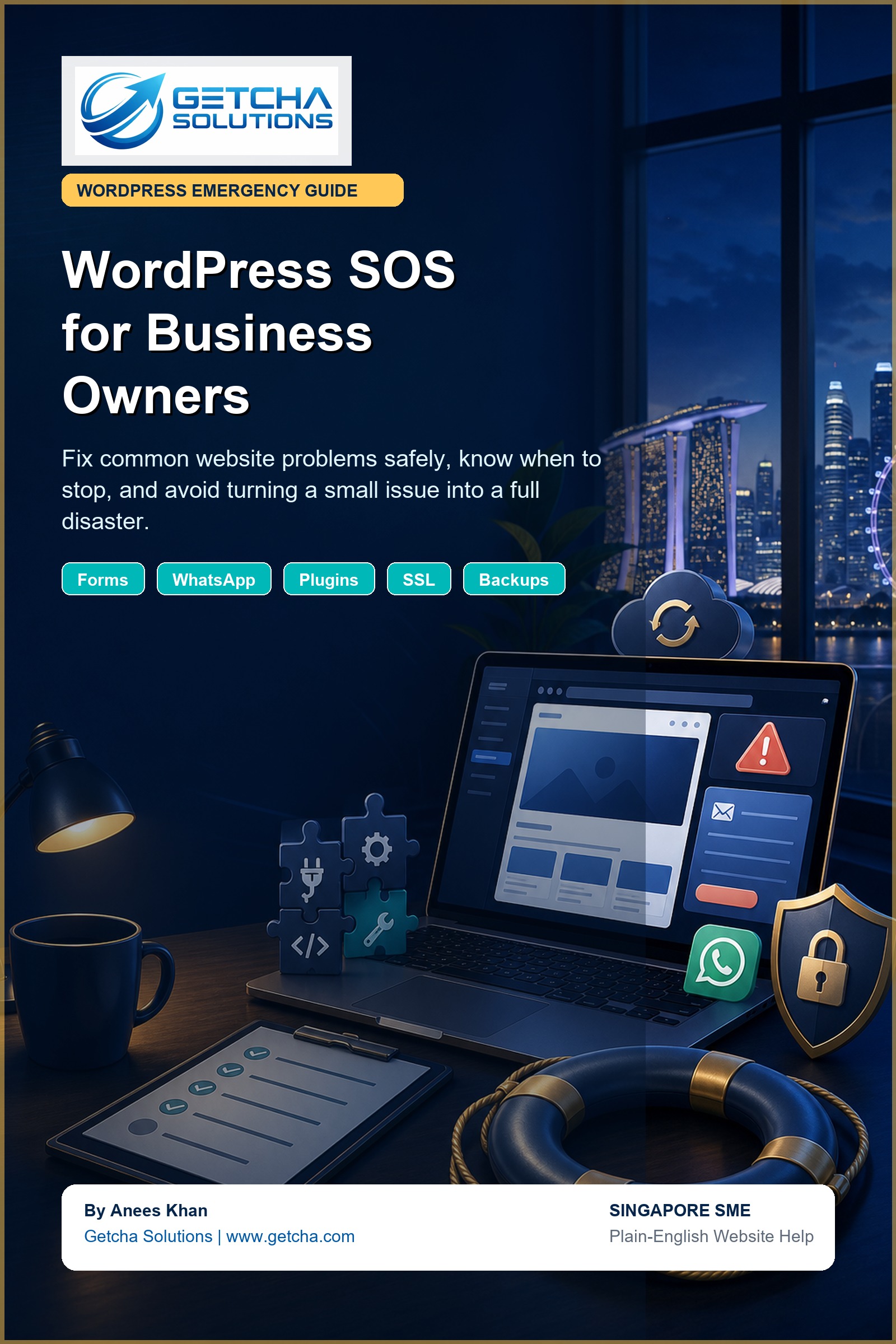
Simple checks for forms, plugins, SSL, backups and website panic moments.
Know why backups matter before plugin updates, theme changes or database-level fixes.
Test contact forms, email delivery and enquiry paths so leads do not disappear quietly.
Understand the safer way to approach plugin updates, conflicts and sudden layout problems.
Spot common SSL warnings, suspicious behaviour and situations where professional help is smarter.
Check whether WhatsApp buttons, phone links and contact actions are working properly on mobile.
Some fixes are safe. Some fixes are how a small issue becomes a four-hour rescue mission.
We moved this from a paid product idea into a free guide for business owners. Subscribe below, get the guide, and receive practical Getcha Tech Talk notes on websites, CRM, AI, SEO and lead-flow fixes for Singapore SMEs.
The guide is useful for first checks, but some issues need experienced hands: broken forms, hacked pages, plugin conflicts, checkout errors, server problems, slow pages and SEO damage.
We can review the problem, explain the likely cause, and advise the next practical step.
Contact Getcha Solutions
Founder-led web, mobile app and custom management systems team. Send us your issue, current website, or idea and we will help identify the practical next step.