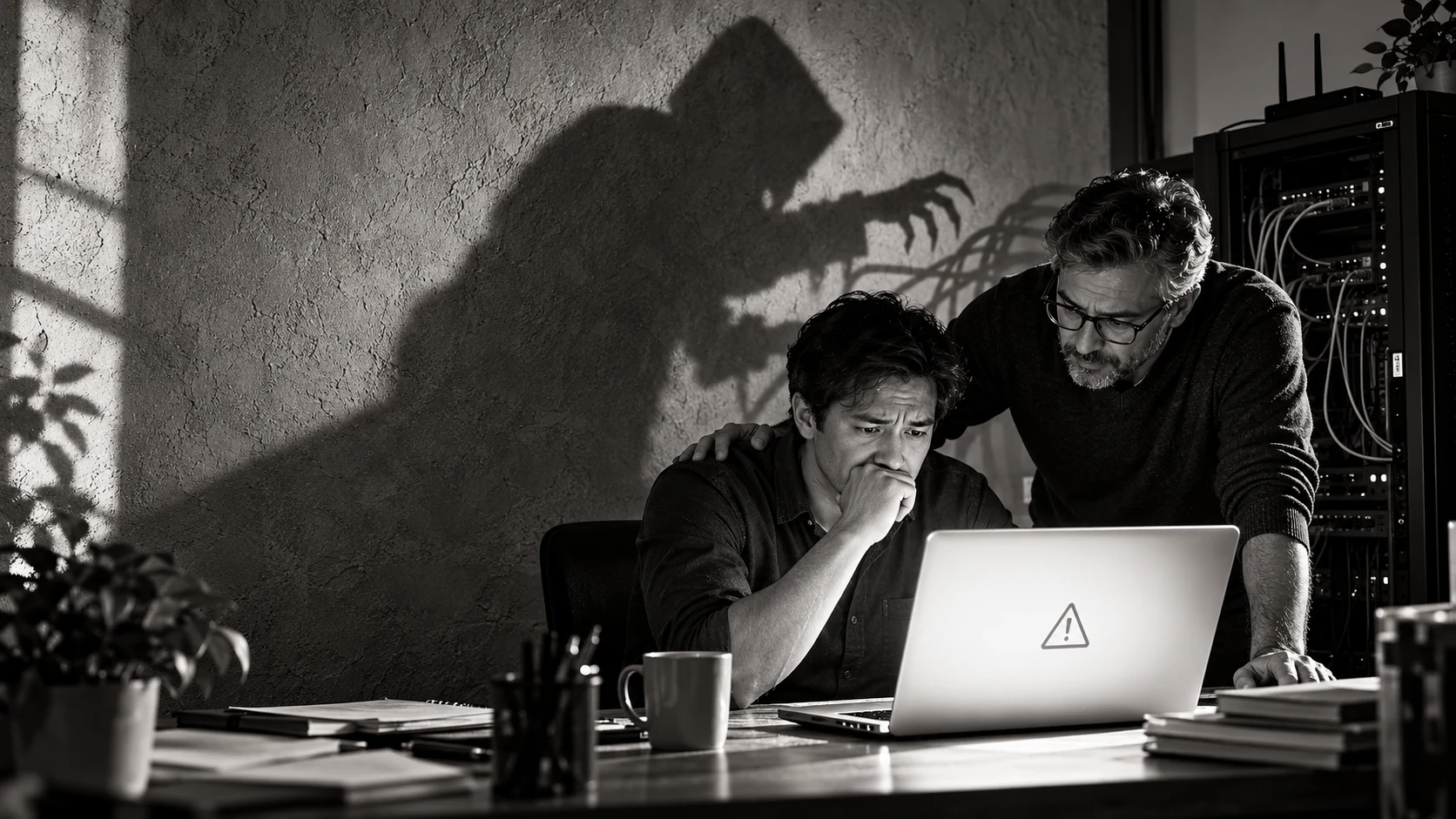
Quick summary for busy business owners.
- A blank page or error message does not automatically mean that a website has been hacked; ordinary software, hosting and configuration faults can look dramatic too.
- Unexpected redirects, unfamiliar administrator accounts, injected spam pages and unexplained file changes are stronger compromise indicators.
- Do not repeatedly reinstall, delete or update things before preserving logs and a backup copy, because those actions can destroy useful evidence.
- A public website scanner can identify visible warning signs, but it cannot prove that a server is completely clean.
- The safest next step is a structured diagnosis covering the website, hosting account, logs, access credentials, backups and recent changes.
At 8:17 one morning, a business owner sent me a WhatsApp message containing only four words:
“My website is gone.”
I opened the link. The homepage was not exactly gone. It had become a large white rectangle with one small error message near the top—like the website had taken medical leave but still came in briefly to submit the MC.
His first question was the obvious one: “Have I been hacked?”
The honest answer was: maybe, but a broken website and a hacked website can look surprisingly similar from the outside.
A plugin conflict can produce a white page. So can an outdated PHP version, a failed deployment, a full disk or one missing semicolon placed somewhere with great confidence. Malware can cause the same symptoms. The dramatic appearance does not tell us the cause.
After working with websites and PHP since the 1990s, I have repaired ordinary faults, dangerously outdated systems and genuinely compromised websites. The most important lesson is simple: do not guess from the shopfront. Diagnose what happened behind it.
So, has my website been hacked or is it just broken?
A broken website usually fails because part of its normal machinery stopped working. A software update may be incompatible. The database may be unavailable. A configuration value may be wrong. The hosting account may have reached a limit. A certificate or domain may have expired.
A hacked website means an unauthorised person or program changed, accessed or used something it should not. The attacker may inject spam, steal information, redirect visitors, add a hidden administrator, send phishing emails or leave a backdoor for later.
Both situations can produce errors, slowness or downtime. That is why “the page looks funny” is a symptom, not a diagnosis. If doctors worked that way, every sneeze would immediately become surgery. Very efficient billing model, perhaps, but not ideal healthcare.
Signs that your website may simply be broken
Ordinary technical faults often begin immediately after a known event. Somebody updated a plugin. The hosting company changed the PHP version. A developer uploaded new code. The domain or SSL certificate expired. The server ran out of storage.
The website may show a consistent error to every visitor, and the logs may point to one failed component. When that component is corrected, the problem stays corrected.
Common examples include:
- a blank white page with a PHP or application error;
- a contact form that stopped sending after an email change;
- a layout that broke after a theme or plugin update;
- a database connection error;
- an expired domain, SSL certificate or hosting account;
- a website that became slow because storage, memory or traffic limits were reached.
These problems still matter. A harmless broken enquiry form can quietly cost more money than a noisy cyberattack because customers simply leave and nobody notices. “Not hacked” does not mean “can ignore, lah.”
Warning signs that deserve a security investigation
Some symptoms are more suspicious, especially when nobody authorised the change.
Your website may redirect visitors to gambling, adult, investment or fake-shopping pages. Search engines may show Japanese product titles or strange pharmaceutical pages under your domain. A browser or Google may display a security warning. New administrator accounts may appear. Files may return after you delete them. Customers may report fraudulent payment instructions.
Other attacks are quieter. The public website can look completely normal while a hidden script sends spam, steals form data or waits for instructions. Attackers are not required to place a skull on your homepage and announce, “Good morning, I have hacked you.” That would make support work much easier, but apparently customer service standards among criminals have declined.
Watch for these stronger indicators:
- unexpected redirects, especially only on mobile devices or from Google;
- unknown administrator, FTP, hosting or database accounts;
- files, scheduled tasks or database entries that nobody recognises;
- spam pages indexed under your domain;
- security warnings from browsers, hosting providers or search engines;
- unexplained password resets, emails or outbound traffic;
- malware that returns after somebody claims to have cleaned it.
The first mistake: pressing every available button
When owners panic, the natural reaction is to update everything, reinstall WordPress, delete suspicious-looking files and change five settings found in a YouTube video.
Please pause first.
Logs, timestamps and changed files can help reveal when the problem started and how the attacker entered. Random repairs may overwrite that evidence. They can also turn one recoverable problem into several creative new problems.
Record what you see. Take screenshots. Note when it started, who last changed the site and whether the problem affects every device. Preserve server and application logs. Make a copy of the current files and database before cleaning, if it is safe to do so.
This does not mean leaving a dangerous site publicly available while everyone forms a committee. Restrict access or place the site in maintenance mode when necessary. The principle is to contain and preserve before bulldozing.
What business owners can safely check
First, open the website using another device and network. A browser extension, cached page or local DNS issue can affect only one machine.
Second, check whether the domain, SSL certificate and hosting account are active. Look for recent notices from your hosting provider, but do not trust unexpected email links blindly. Log in through the provider’s known website.
Third, ask what changed recently. A precise answer such as “the error began immediately after plugin X was updated” is useful. “Nobody touched anything” sometimes means “six people have administrator access and nobody remembers.”
Fourth, run my free website security risk checker. It examines publicly visible warning signs and gives you a plain-English starting point.
But understand its limit: a public checker can inspect only what a visitor can reach. It cannot see every private server file, database row, administrator account, scheduled job or access log. A green result is encouraging; it is not a certificate signed by the Internet Police.
What a proper website security diagnosis should examine
A professional review goes beyond opening the homepage and declaring, “Looks okay from my side.”
It should confirm the symptoms, inspect the hosting and application logs, compare recent file changes, review administrator access, check the database, identify outdated or vulnerable software and look for persistence mechanisms that allow an attacker to return.
For WordPress, that can include core files, themes, plugins, uploads, database options, administrator users and scheduled tasks. For a custom PHP application, the investigation may also include source changes, deployment history, writable directories, environment files, API credentials and server configuration.
The goal is not merely to remove the ugly thing you can see. The goal is to answer four questions:
- What happened?
- How did it happen?
- What was affected?
- What prevents it from happening again?
If somebody “cleans” the homepage but cannot answer any of these, the website may simply be waiting for the sequel.
Can I just restore a backup?
A clean backup can be extremely useful. It is not magic.
If you restore a copy made after the intrusion, you restore the intrusion. If the attacker stole a password, the attacker can enter the restored website again. If an outdated plugin was the entry point, that doorway remains open. If your backup lives only inside the same compromised account, it may also have been altered.
A safe recovery normally combines a verified clean backup with patched software, corrected configuration, changed credentials and monitoring. Otherwise, congratulations: you have built a malware roundabout.
Does the hosting company handle website security?
Many business owners assume the server company automatically takes care of everything. Some managed hosts do provide strong security support. Others maintain the server platform but not your WordPress plugins, custom code, administrator accounts or integrations.
The difference matters. Renting an office in a secure building does not mean the building manager checks whether your cashier reused “password123”.
Ask the hosting provider what it protects, what it monitors, what it backs up and what remains your responsibility. Get clear answers before an incident, not while customers are sending screenshots.
How I help when a business website goes wrong
I have been working with PHP since 1996 and have spent decades building and maintaining websites, web applications, mobile-app backends and custom business systems. I have also repaired websites affected by broken updates, outdated code, malware and compromised access.
When a business owner calls, my first job is not to impress him with twelve technical abbreviations. He needs to know whether the business is at risk, what can be restored and what the next sensible action is.
Depending on the evidence, I can help with an emergency website security check, hacked WordPress or PHP recovery, PHP upgrades, compatibility repairs and ongoing website maintenance in Singapore. If the problem is ordinary breakage rather than an attack, I will tell you that too. Security drama should not become a compulsory add-on package.
A simple prevention routine for SMEs
Keep the website platform, PHP runtime, plugins, themes and custom dependencies supported and patched. Remove unused administrator accounts and abandoned plugins. Use unique passwords and multi-factor authentication where available. Keep backups outside the live hosting account and occasionally test that they can be restored.
Monitor uptime, important forms and security notices. Record who owns the domain, hosting, code and recovery process. If one former employee is the only person who knows everything, you do not have documentation. You have a hostage situation with better stationery.
Most importantly, decide who is responsible. A hosting provider, developer and business owner can each believe the other person is handling updates. The hacker is usually delighted by this excellent teamwork.
Do not panic—but do not ignore the signs
A broken website is not automatically a hacked website. A working website is not automatically a clean website either.
Look at the evidence. Preserve what matters. Use a public scan as an initial check, not a final verdict. If the symptoms are suspicious—or the website handles customer data, payments or important business enquiries—get a server-side review.
Start with the free Getcha Website Security Check. If the result or symptoms worry you, contact me for a proper diagnosis and recovery plan.
What was the first strange thing you noticed when your website failed: a white page, a redirect, a browser warning or something even more creative? Share your experience when I post this article.
Common questions about this topic.
How can I tell whether my website has been hacked?
Strong warning signs include unexplained redirects, unfamiliar administrator accounts, spam pages appearing in search results, new files you did not upload, security warnings, altered payment details and repeated reinfection after a clean-up. A proper diagnosis should also inspect server logs, file changes, database records and access history.
Does a blank white page mean my website was hacked?
No. A white screen can be caused by a PHP fatal error, plugin conflict, failed update, exhausted memory, missing file or incompatible server change. Malware is one possibility, but the page itself does not prove it. Preserve the evidence and investigate the underlying error.
Why is my website redirecting to another website?
An unexpected redirect can come from malware, a compromised advertising script, a changed configuration file, a DNS problem or an incorrectly configured redirect. If it happens only on some devices or only from search results, do not dismiss it; conditional redirects are commonly used to hide malicious behaviour from the website owner.
Can an online website security scanner prove my website is clean?
No public scanner can inspect every server file, database record, user account or private log. It can find visible risks and useful warning signs, but a clean scan is not a guarantee. Use it as an initial check, followed by a server-side review when there are suspicious symptoms.
What should I do first if I think my website is hacked?
Record the symptoms, preserve logs, create a forensic copy or backup, restrict risky access if practical and contact a qualified developer or incident responder. Avoid random deletion and mass updates until the cause and scope are understood.
Will restoring a backup remove website malware?
Only if the backup is genuinely clean and the original entry point is also fixed. Restoring an old copy without changing stolen credentials, patching vulnerable software or removing hidden access can result in the website being infected again.
Does my hosting company automatically protect my website?
Hosting companies normally protect and operate the server platform, but the level of website maintenance varies. Many do not maintain your WordPress plugins, custom code, administrator accounts, integrations or content. Confirm responsibilities instead of assuming that somebody somewhere is handling everything.
How much does hacked website recovery cost in Singapore?
The cost depends on the website size, the depth of the compromise, available backups and whether vulnerable custom code needs repair. A proper assessment should explain the evidence, recovery scope and price before major work begins.