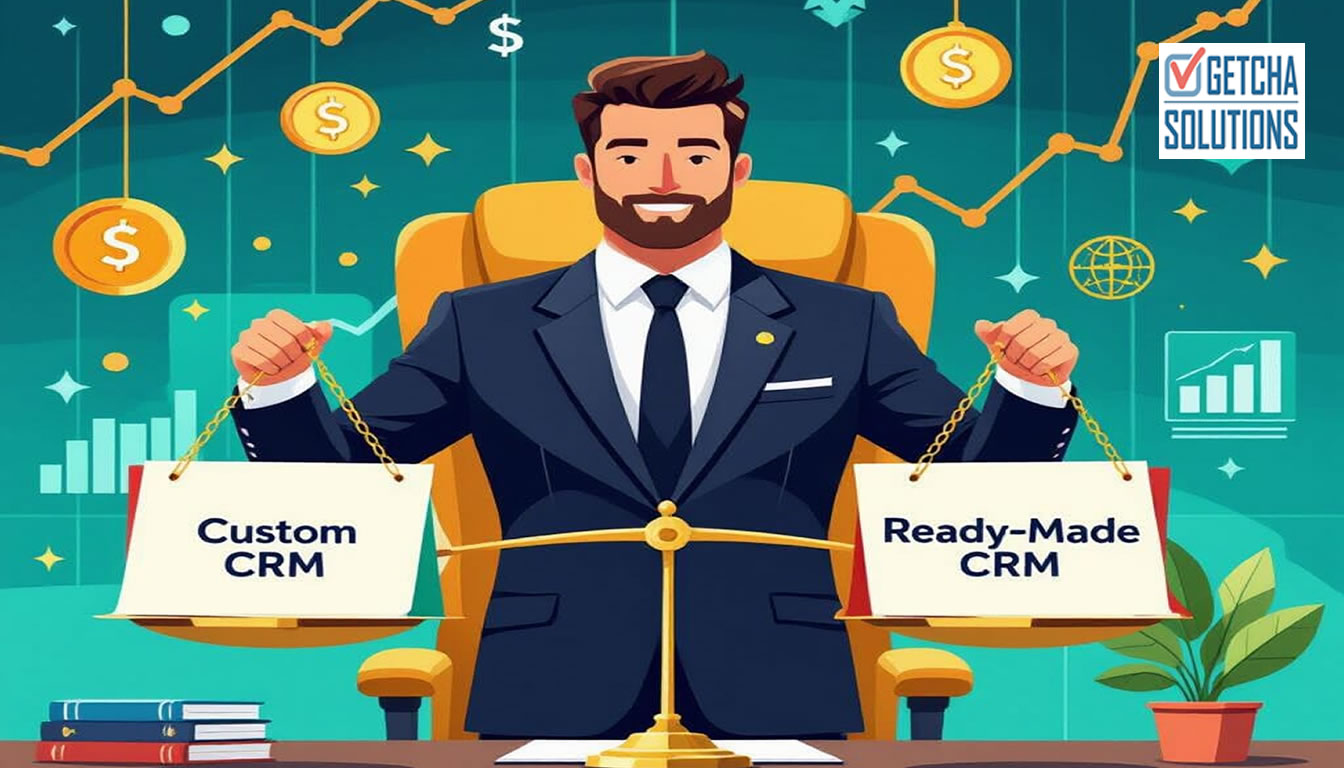
Quick summary for busy business owners.
- The cheapest CRM is not always the one with the lowest monthly fee; it is the one your team actually uses properly.
- Hosted CRMs like Zoho can be a good fit when your sales process is standard and your team can adapt to the platform.
- A custom CRM can make sense when your workflow, reports, lead tracking, quotations or Excel process are specific to your business.
- Singapore SMEs should compare three-year cost, setup, adoption, automation and workflow fit before deciding.
Just yesterday, my old friend (from the 90s) caught up with me, and went: "What, you are still a web designer? You still have clients? in 2026?"
After calming him down, and buying him a drink, I explained. Yes, we still have our jobs. Yes, there are many companies and businesses who STILL need websites. Not to mention that new businesses and SMEs are coming up all the time.
However, I noticed many companies and businesses making some mistakes when they decide to have their own business websites.
If you are looking for a website designer in Singapore, you are probably somewhere between "I need a proper website" and "Why are there so many packages until my brain tired already?"
Some designers say they can build your website cheaply. Some agencies show very nice portfolios. Some platforms promise drag-and-drop magic. Some friend's cousin also "can do website". Singapore very efficient like that.
But before you hire anyone, let me say this clearly:
A business website is not just a nice-looking online brochure.
For a Singapore SME, your website should help people understand you, trust you, contact you, and eventually buy from you. If it only looks nice but does not bring enquiries, then congratulations, you have built a very expensive digital poster.
My friend is actually a doctor. In fact, he too was deliberating a proper website for his private practice. So, I decided to school him, just as I do now, to you all.
What does a website designer in Singapore actually do?
A website designer usually plans the look, layout and user experience of your website. This includes colours, sections, fonts, images, buttons, mobile view and how the page flows.
But in real business life, especially for SMEs, a website project usually needs more than design.
You may also need:
- Website copywriting
- Mobile responsive layout
- Contact forms
- WhatsApp enquiry buttons
- SEO setup
- Google indexing basics
- Fast loading speed
- Hosting and email advice
- Security and maintenance
- Tracking for leads and conversions
This is where many business owners get surprised. They ask for "simple website", but the actual requirement is not so simple.
It is like saying, "I just want a simple shop." Then later you realise you need lighting, shelves, cashier, signboard, aircon, CCTV, cleaning, staff, payment machine and someone to chase the supplier who disappeared after lunch.
Website designer vs web developer vs web design agency
These terms can be confusing, so let us make it simple.
A website designer focuses mainly on visual design and layout.
A web developer focuses on coding, functionality, forms, systems, integrations and technical implementation.
A web design agency may have a team handling design, copywriting, development, SEO and project management.
A freelance website designer in Singapore may be more affordable and flexible, but the skill range depends heavily on the person.
For Singapore SMEs, the best choice is not always "agency" or "freelancer". The best choice is the person or team who understands your business objective.
If your website only needs a basic online presence, a simple web design package may be enough. But if your website must support enquiries, quotations, CRM, appointment booking, customer portals, dashboards or business workflows, then you need someone who understands both design and development.
How much does a website designer cost in Singapore?
Website design cost in Singapore can vary a lot.
A simple website may cost from a few hundred dollars to a few thousand dollars. A more serious business website with proper structure, custom design, SEO planning, content, forms and lead flow can cost more.
Custom websites, ecommerce websites, web apps, CRM systems and business portals will naturally cost higher because they involve more planning, coding and testing.
But here is the important part:
Do not compare website prices only by number of pages.
A 5-page website that is properly planned can perform better than a 20-page website that nobody understands.
Also, do not compare only the upfront cost. Ask what is included.
- Is mobile layout included?
- Is SEO setup included?
- Is contact form testing included?
- Is WhatsApp integration included?
- Is speed optimisation included?
- Is Google Search Console setup included?
- Is maintenance included?
- Can you edit the content later?
Cheap is good only if it solves the problem. Cheap that creates more problems is not cheap. It is just a delayed invoice wearing sunglasses.
Why the cheapest website is not always the cheapest decision
I have seen this many times.
A business owner chooses the cheapest website package. At first, happy. Website launched. Looks okay. Then slowly the problems appear.
- The mobile view is messy.
- The contact form does not work properly.
- The website is slow.
- The content sounds generic.
- Google cannot understand the pages clearly.
- The WhatsApp button goes to the wrong number.
- The designer is no longer contactable.
Then the owner has to pay someone else to fix it. Sometimes rebuild it. Sometimes pretend everything is fine while quietly crying into kopi.
A good website designer in Singapore should not only ask, "What colour do you like?"
They should ask:
- Who is your target customer?
- What service brings the best profit?
- What kind of enquiry do you want?
- What must visitors understand before they contact you?
- What proof can we show?
- What action should the visitor take next?
Because the goal is not just to make people say, "Nice website."
The goal is to make the right people say, "Can I contact you?"
What a good SME website must include
If you run a Singapore SME, your website should be practical. It should not behave like a mysterious art gallery.
A good business website should include:
- A clear headline that explains what you do
- Service pages for your main offerings
- Trust signals such as reviews, testimonials and past work
- Easy contact options
- WhatsApp click-to-chat
- Mobile-friendly design
- Fast loading pages
- Clear navigation
- Proper SEO titles and descriptions
- Internal links between related pages
- Helpful blog articles that answer customer questions
If your website sells services, your pages should also answer common objections.
- How much does it cost?
- How long does it take?
- Can I trust this person?
- Have they done similar work?
- What happens after I contact them?
People do not contact you just because your website is pretty. They contact you when your website reduces doubt.
Questions to ask before hiring a website designer
Have you built websites for businesses like mine?
Industry experience helps. But more importantly, the designer should understand business flow, not just design trends.
Will the website be mobile-friendly?
In Singapore, many people browse on mobile. If your site looks good only on desktop, then alamak.
Will you help with SEO basics?
You do not need every website designer to be a full SEO agency. But basic SEO structure matters: titles, descriptions, headings, internal links, page speed and clean URLs.
Can the website bring enquiries?
Ask how the designer plans the contact flow. Where are the buttons? Where is the WhatsApp link? What happens after a visitor reads a service page?
What happens after launch?
Websites need updates. Ask about maintenance, backups, edits and future improvements.
Is it custom-built or template-based?
Templates are not evil. But you should know what you are paying for. A template website and a custom website are different things.
Should you hire a freelancer or a web design agency?
A freelancer can be a good choice if you want direct communication, flexibility and lower overheads.
An agency can be useful if your project needs a larger team, multiple departments, branding, copywriting, ads, SEO and ongoing campaigns.
But for many Singapore SMEs, the sweet spot is often an experienced hands-on person who can understand the business, plan the website, build it properly and advise honestly.
This is especially useful when your website is connected to practical business needs like:
- Lead management
- CRM workflow
- Quotation requests
- Booking forms
- Customer records
- Custom dashboards
- Automation
If your website is part of a bigger business system, then you should not treat it as only a design job.
Why your website must be built for enquiries, not just looks
A nice-looking website is good. I like nice things also. We are not trying to build a website that looks like a government form from 1998.
But looks alone cannot carry the whole business.
Your website should guide visitors through a simple path:
- Understand what you do
- See why they should trust you
- Find the service that matches their need
- Read proof or useful explanation
- Contact you easily
This is why pages like services, portfolio, reviews and contact matter.
Your blog also helps. Articles like how much a website costs in Singapore, how to plan a website that brings enquiries, and HTML Lah can educate visitors before they contact you.
This is how your website becomes more than a digital name card. It becomes a sales support system.
My practical approach at Getcha Solutions
I am Anees Khan from Getcha Solutions. I have been building websites, mobile apps, CRM systems and custom software for Singapore businesses for more than 30 years.
My approach is practical.
I do not start by asking only what colour you like. I start by understanding what the website must do for your business.
- Do you need more enquiries?
- Do you need clearer service pages?
- Do you need to look more credible?
- Do you need to replace an old website?
- Do you need forms, WhatsApp, CRM or automation?
- Do you need a custom system behind the website?
Because sometimes the real problem is not the website design.
Sometimes the problem is that the business has no clear enquiry flow, no proper follow-up system, no content structure and no way to tell visitors, "This is why you should choose us."
A good website should make the next step obvious.
If someone is ready, they should contact you. If they are still researching, they should find helpful articles. If they need proof, they should see your portfolio and reviews. If they need reassurance, they should know there is a real person behind the website.
Final advice before you hire a website designer in Singapore
Before you hire a website designer, do not only ask, "How much?"
Ask, "What will this website actually help my business achieve?"
A good website should not only look nice. It should support your sales, trust, enquiries and operations.
If you are a Singapore SME and you need a website designer who can also think like a developer, system builder and practical business person, then I may be able to help.
You can start by viewing my portfolio, reading my reviews, or sending me a message through the contact page.
Or just WhatsApp me. Much easier. Very Singaporean.
I'm just right there, waiting for you, behind that right-bottom green Whatsapp icon. 😊
Common questions about this topic.
Is Zoho cheaper than a custom CRM for Singapore SMEs?
Zoho can be cheaper for small teams with standard CRM needs. But SMEs should compare the full cost, including users, setup, customisation, training, add-ons, workflow fit and long-term adoption.
When should a business choose Zoho instead of a custom CRM?
Zoho is often suitable when your sales process is standard, you need a CRM quickly, your team can adapt to the platform, and you do not need very specific dashboards, reports or workflow screens.
When does a custom CRM make more sense?
A custom CRM may make more sense when your current Excel process contains your real workflow, your staff need very simple screens, or you need custom lead tracking, quotation steps, reminders, reports and integrations.
Can a custom CRM replace Excel lead tracking?
Yes. A custom CRM can be built around the exact fields, statuses, follow-up dates, notes, user roles and reports that your team currently tries to manage in Excel.
What should SMEs compare before choosing CRM software?
Compare three-year cost, number of users, setup work, workflow fit, staff adoption, reporting needs, integrations, automation requirements and how much the system needs to change as your business grows.