Backup first
Understand why backups matter before plugin updates, theme changes, form fixes or any "just try only" moment.
A practical, plain-English WordPress rescue guide for Singapore business owners who want to check simple issues safely, avoid panic clicking, and know when to call a developer.
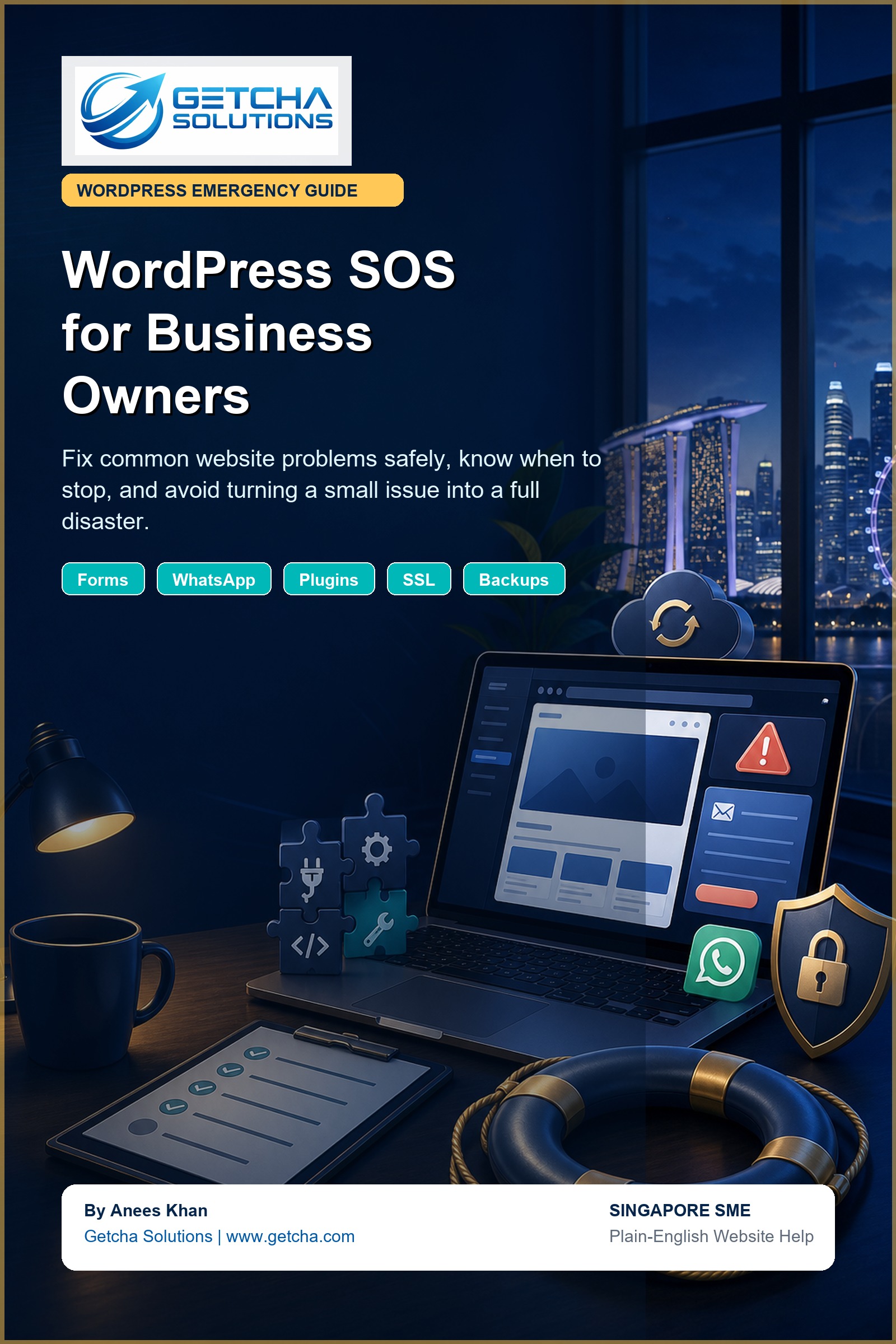
One day your contact form stops sending. Another day your WhatsApp button goes to the wrong number. Then a plugin update makes the layout look like it had a bad Monday.
For many business owners, the scary part is not just the problem. It is not knowing whether it is safe to touch anything. Click wrongly, and a small issue can become a full website rescue mission. Very thrilling, but not in a fun way.
WordPress SOS for Business Owners is designed to help you stay calm, check the right things first, and understand when to stop before the website becomes more expensive to repair.
The free sample gives you the first WordPress emergency steps, backup advice, the 10-minute website check, and a quick printable checklist.
Download the 9-page WordPress SOS sample and keep it handy for the next small website emergency.
Open free sample PDFUse this form if you want to be notified when the ebook is ready, or if you want me to look at your WordPress issue. This helps me see whether you want the guide only, the checklist pack, or a quick WordPress checkup.
Understand why backups matter before plugin updates, theme changes, form fixes or any "just try only" moment.
Learn why forms may stop sending emails, what SMTP means in normal language, and how to test safely.
Check Singapore phone number format, WhatsApp URLs and enquiry buttons so leads do not disappear quietly.
Know why plugin updates matter, why they sometimes break things, and how to reduce the drama.
Spot common causes of missing images, slow pages, oversized files and basic performance issues.
Recognise warning signs like white screen errors, hacked pages, database errors, checkout issues and broken admin access.
This guide is for SME owners, office managers, marketing staff, clinic admins, tuition centre owners, service businesses and small e-commerce teams who manage a WordPress website but do not want to randomly click things and hope for divine mercy.
It is not for people who want to learn deep PHP, database architecture or custom plugin development. It is for practical owners who want to know what is safe, what is risky, and when the problem needs proper developer help.
Join the early-interest list now. If your WordPress problem is urgent, send me your website and I can advise whether it is a simple fix, a hosting issue, a plugin conflict or a proper rescue job.

Web, mobile app and custom management systems developer. Send me your issue, current website, or idea and I will help you identify the practical next step.