Quick summary for busy business owners.
- Automation should start with repeated manual work, not with software hype.
- The best first automation is usually the workflow causing the most delays, errors or missed follow-ups.
- Singapore SMEs can often get strong value from small focused systems before building a large platform.
- Good automation improves visibility, accountability and customer response time.
Business process automation sounds like a big-company topic, but it is often even more useful for SMEs. Smaller teams feel every repeated task more strongly. If staff spend time copying data, chasing updates, preparing the same report or checking the same spreadsheet every day, the business is already paying for that manual process.
The goal of automation is not to replace people blindly. The goal is to remove avoidable admin so people can respond faster, make fewer mistakes and focus on work that needs judgement.
What is business process automation?
Business process automation means using software to handle repeated steps in a workflow. It can be as simple as sending an email after a form submission, or as involved as a custom CRM that tracks leads, quotations, jobs, approvals, reminders and reports.
For Singapore SMEs, automation often starts from very practical problems: too many spreadsheets, missed follow-ups, unclear job status, slow quotation preparation, duplicate entry or management reports that take too long to prepare.
Where automation usually helps first
The best automation opportunities are not always the most glamorous. They are usually the boring tasks that repeat often.
- Lead capture: Website enquiries, WhatsApp requests and form submissions can be organised into one place.
- Follow-up reminders: Staff can be reminded when leads, quotations or jobs need attention.
- Quotation workflow: Standard details, pricing logic and approval steps can be made clearer.
- Job tracking: Teams can see whether work is pending, assigned, completed or blocked.
- Document handling: Files, photos, invoices and customer details can be attached to the right record.
- Reporting: Management can see useful numbers without waiting for someone to update a spreadsheet manually.
Signs your business is ready for automation
You do not need automation just because software exists. You need it when the current process is costing time, causing errors or hiding important information.
These are common signs:
- Staff enter the same information in more than one place.
- Customer details are scattered across WhatsApp, email and spreadsheets.
- Only one person knows the latest status of a job or enquiry.
- Management reports require manual compilation every week or month.
- Follow-ups depend on memory instead of reminders.
- Your team says "we have a system", but everyone still uses side spreadsheets.
Start small: automate one painful workflow
One mistake SMEs make is trying to automate the whole company at once. That usually leads to a large, vague project that becomes hard to finish. A better approach is to choose one painful workflow and solve it properly.
For example, if your main problem is missed leads, start with a lead tracking and follow-up system. If your main problem is quotation preparation, start with quotation workflow. If reporting is the pain, start by cleaning how data is captured and displayed.
A focused first version is easier to launch, easier for staff to adopt and easier to improve after real use.
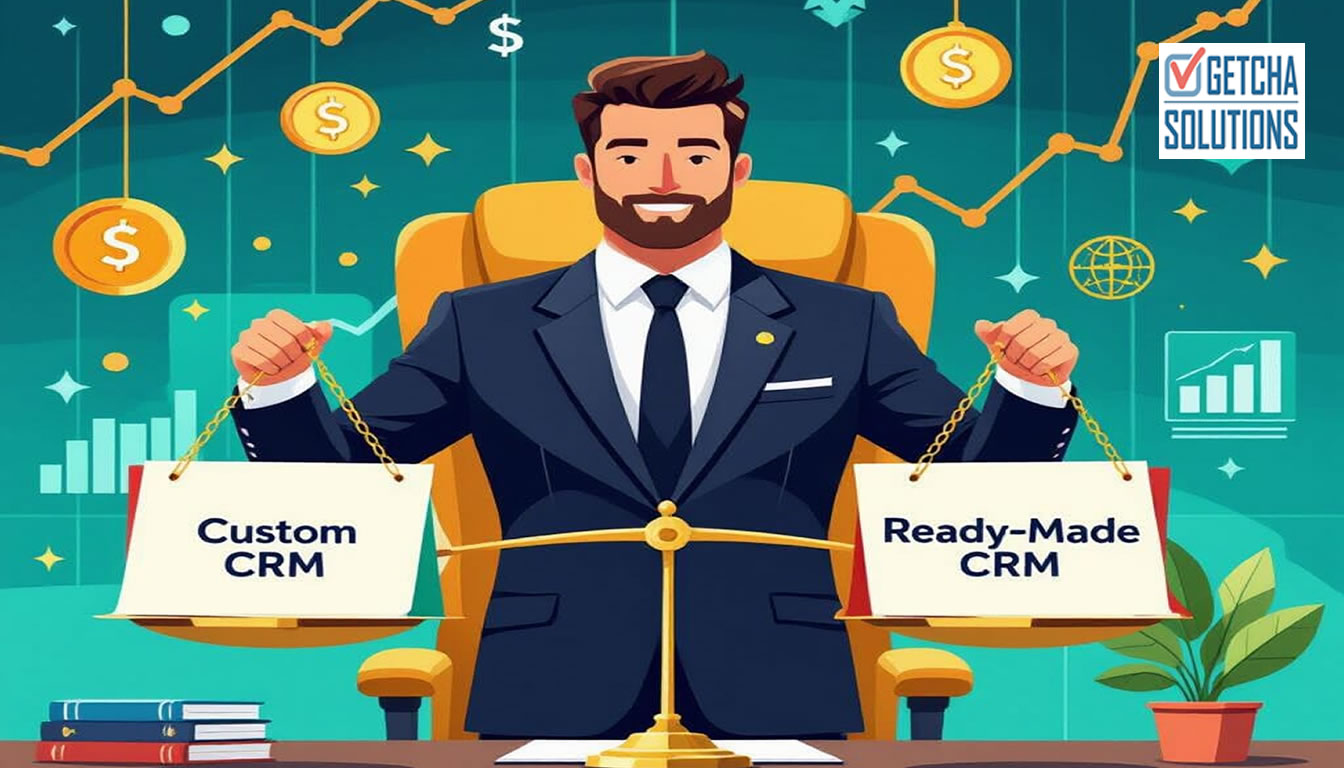
Ready-made tools vs custom automation
Ready-made tools are useful when your workflow is simple and the software already matches what you need. For example, a standard CRM, project management tool or accounting platform may be enough.
Custom automation is useful when your workflow is specific. Maybe you need a special status flow, local business rules, custom reports, customer-specific pricing, document generation or a connection between your website and internal operations.
The decision should not be based only on price. It should be based on fit, staff adoption and long-term usefulness.
What a good automation system should include
A useful system should make work clearer. It should not just move confusion from Excel into a web page.
- Clear user roles and permissions
- Simple forms that capture the right information
- Statuses that match the real workflow
- Search and filters for daily work
- Reminders or notifications where needed
- Reports that management actually uses
- Export, backup and maintenance planning
How automation improves conversion
Automation is not only an internal operations topic. It can also improve sales conversion. If enquiries are captured properly, assigned quickly and followed up consistently, fewer leads slip through the cracks.
This matters especially when your website, SEO or ads are working. There is no point paying for traffic if the follow-up process is weak. A better lead workflow can turn more of the same traffic into real opportunities.
Final advice
Do not start by asking, "What software should we buy?" Start by asking, "Which repeated process is slowing us down or causing mistakes?" Once that is clear, the software decision becomes much easier.
For many SMEs, the best first automation is not a huge enterprise system. It is a practical tool that fixes one important workflow, saves time every week and gives the business clearer visibility.
Have a manual process that is getting messy?
Send me the spreadsheet, form or workflow you are using now. I can suggest whether it should stay simple, move into a CRM or become a custom automation system.
Discuss automation View automation servicesCommon questions about this topic.
What business processes can SMEs automate?
Common SME automation areas include lead tracking, quotation workflow, appointment reminders, job status, document handling, reporting, approvals and CRM follow-ups.
Is business process automation expensive?
It depends on scope. A focused automation for one workflow can be affordable compared with the ongoing cost of repeated manual work and missed follow-ups.
Should I use ready-made automation tools or custom software?
Use ready-made tools when the workflow is standard. Consider custom software when your process has specific rules, reports, statuses or integrations that generic tools do not support well.
Can automation connect to my website enquiries?
Yes. Website forms, WhatsApp enquiry flows and landing pages can be connected to a CRM or custom workflow so leads are easier to track and follow up.